Price history and lowest price before discount for PrestaShop
Record price history and show the lowest price before the reduction. Use charts and automated updates via CRON.
Available languages:
Saving product price history
The module collects successive price values, building a history of changes. The accuracy of later presentation depends on when and how the system records the data.
Showing the lowest price before the promotion
During a promotion, you can display the lowest price from the period before the reduction. The module helps present the promotion context based on the saved history.
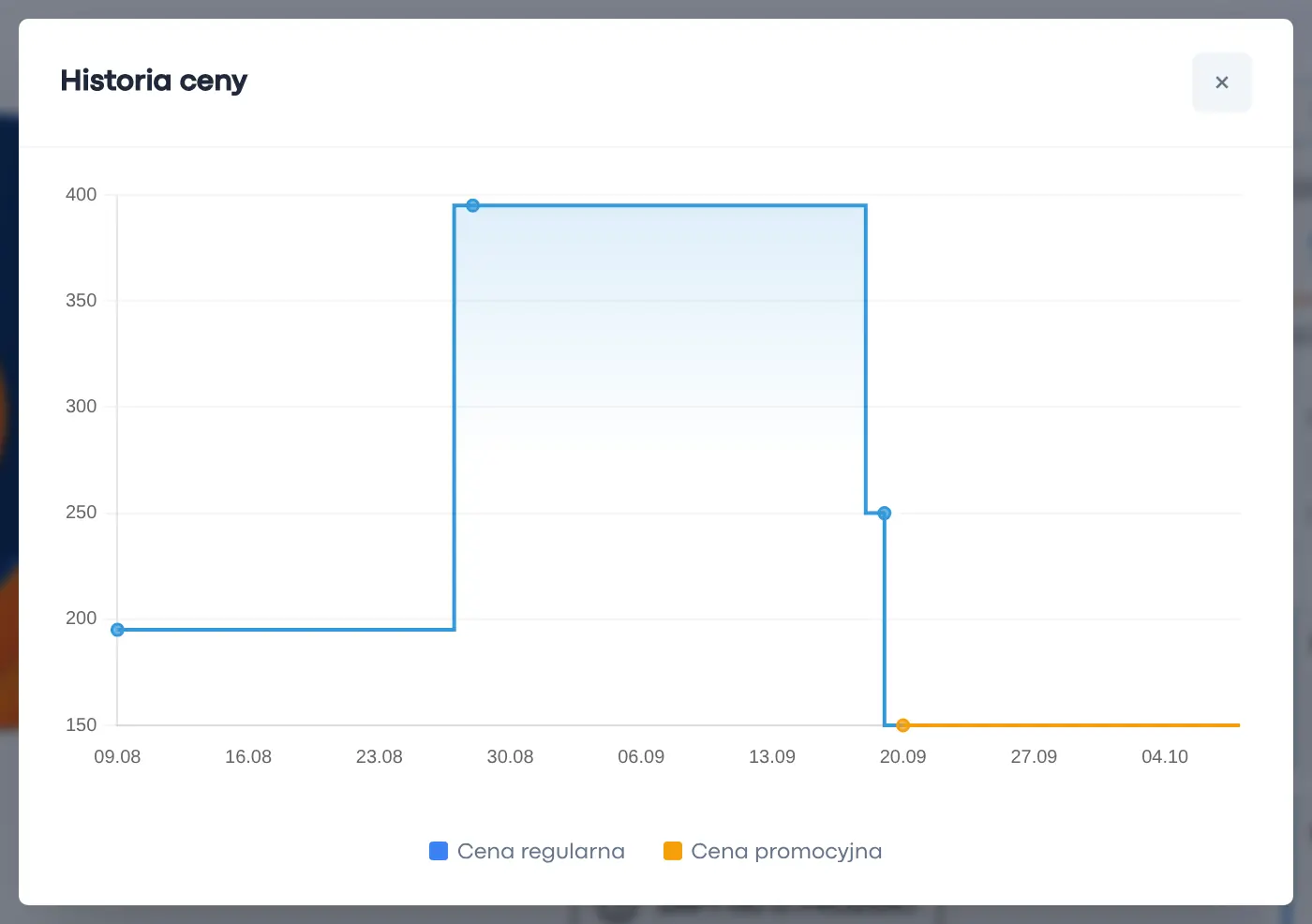
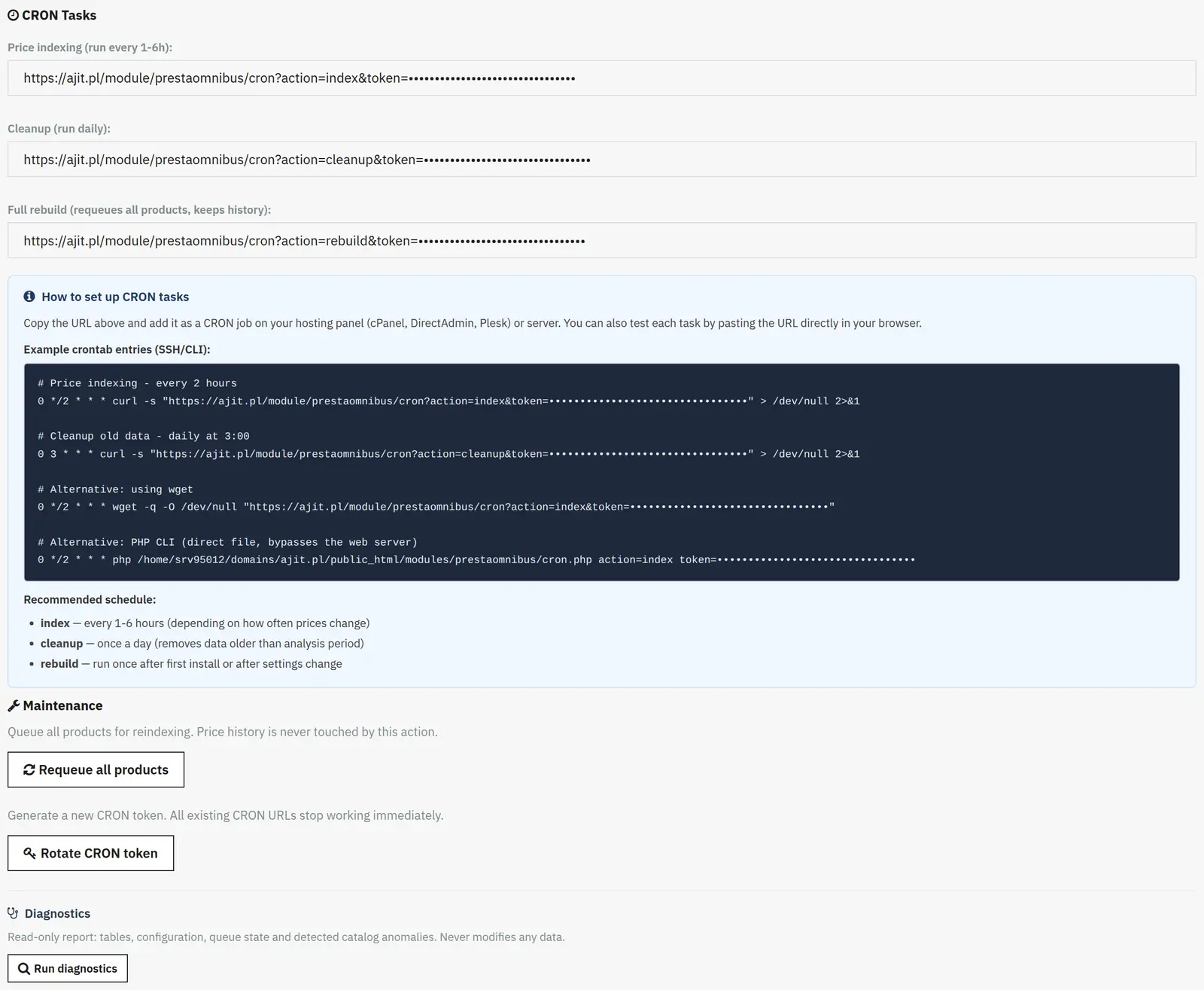
History charts and CRON automation
The chart makes it easy to follow price changes, and CRON automates update handling. Before launch, check product variants, taxes and the discount calculation rules.
Who is this module for?
It is a solution for stores that run promotions and need an organized history of price changes.
Requirements and configuration
The module requires proper configuration and real historical data. It does not reconstruct prices that were never recorded.
What can you set in the module panel?
01 / Collecting price history
Collecting price history
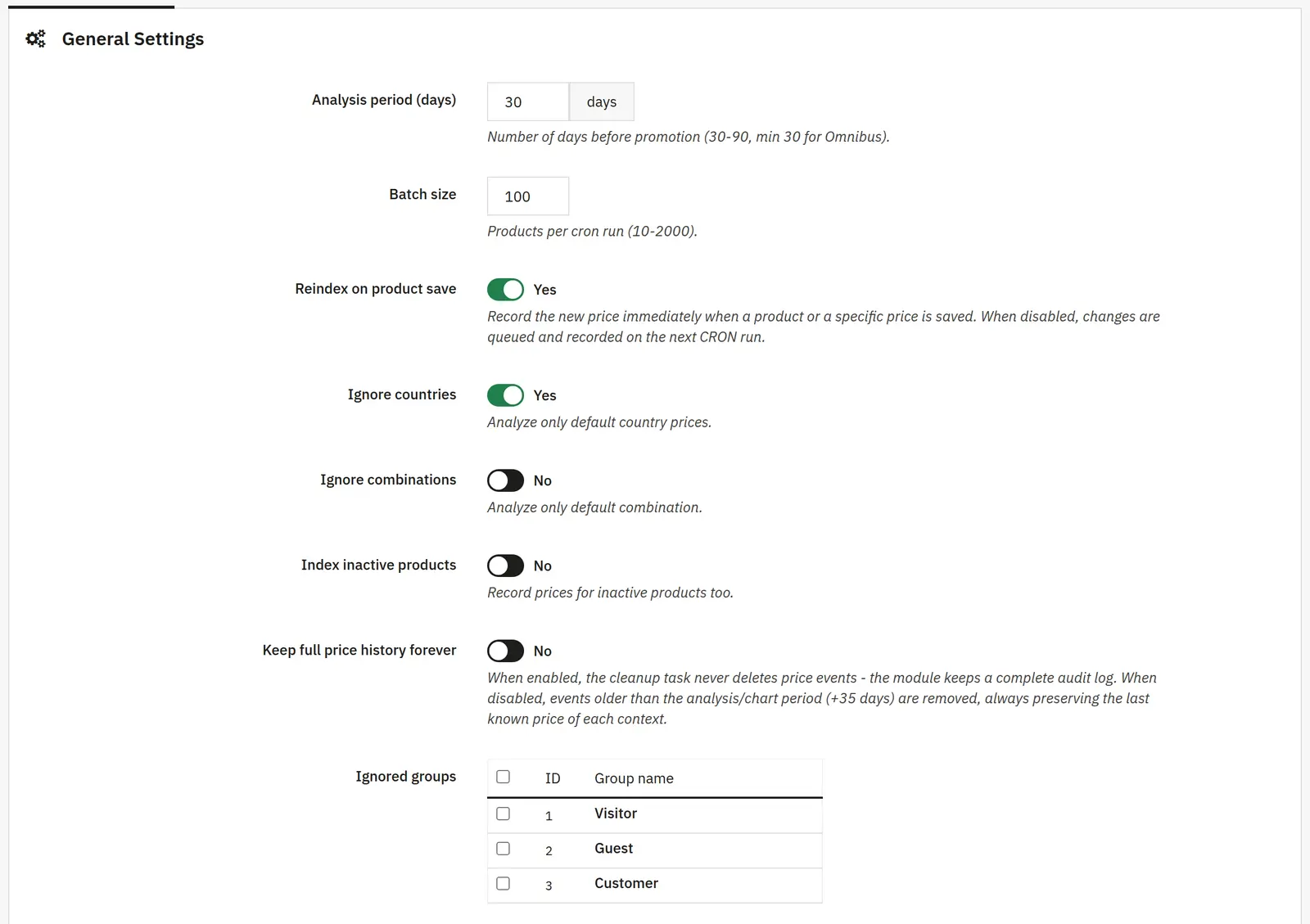
Analysis period and batch size
The period defines the history range used for calculations, and the batch size the number of products processed in a single CRON run.
Indexing on save
When enabled, a new price is recorded when a product or specific price is saved. When disabled, the change waits for the queue run.
Countries, combinations and inactive products
You can limit the analysis to the default country or combination and decide whether to record the history of disabled products.
Skipped groups and full archive
Selected groups use the default group prices. Keeping the full history disables its standard cleanup and increases the amount of stored data.
02 / Information on the page
Information on the page
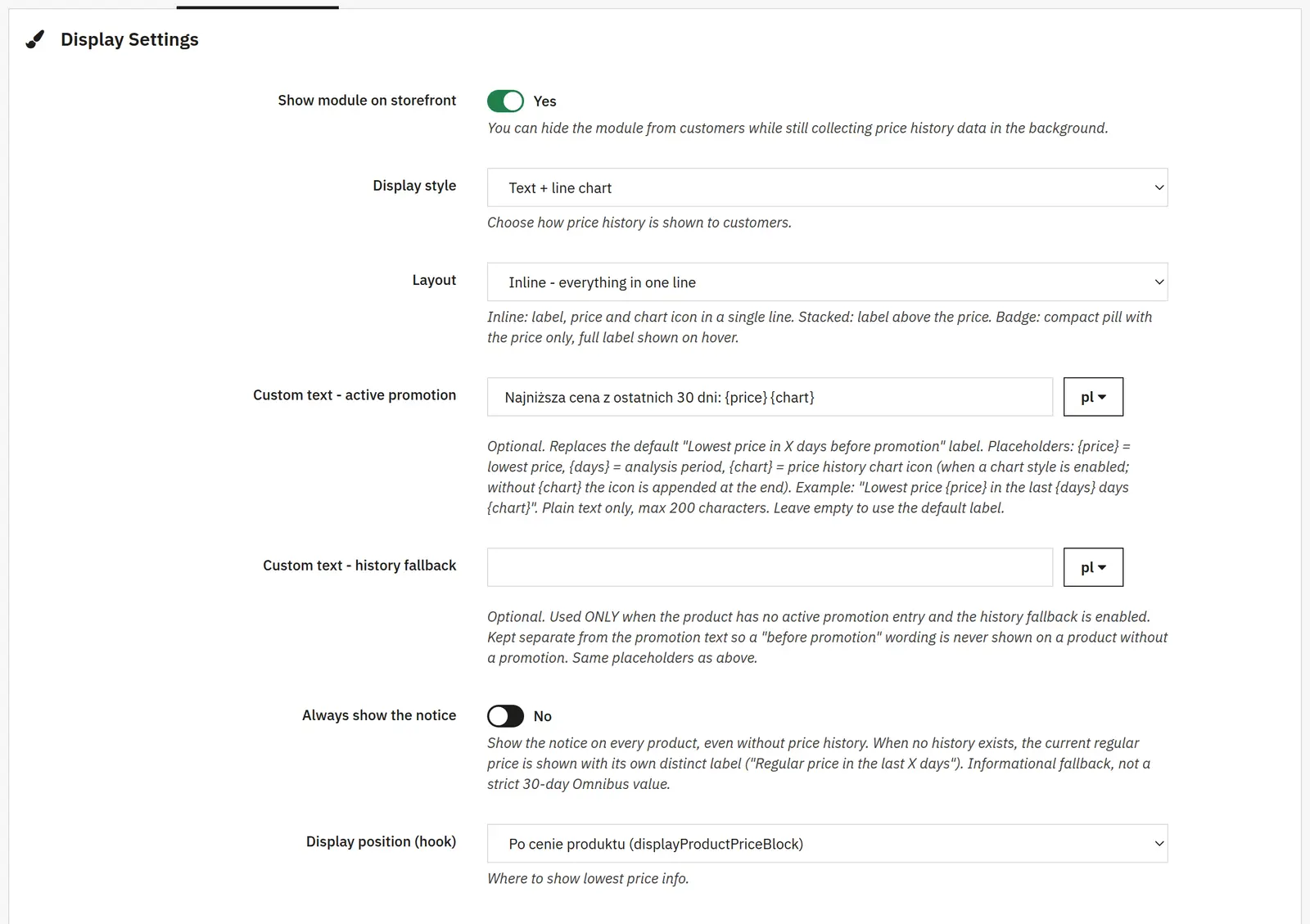
Visibility, style and layout
You can collect history without showing the block. The style selects the presentation, and the layout the placement of the label, price and chart icon.
Promotion text and history text
These are two separate messages. The {price}, {days} and {chart} tags insert the price, period and chart. The history text should not suggest a pre-promotion price when no such information exists.
Always show and available history
The first option shows a fallback message even without history. The second uses the collected history when a promotion entry is missing. These values are not equivalent to a full pre-promotion history.
Position and listings
You choose the placement in the theme and, independently, the presentation on product lists.
Discount and lowest price date
The switches add the calculated reduction versus the earlier value and the day the minimum occurred.
03 / Chart appearance
Chart appearance
Colors and history length
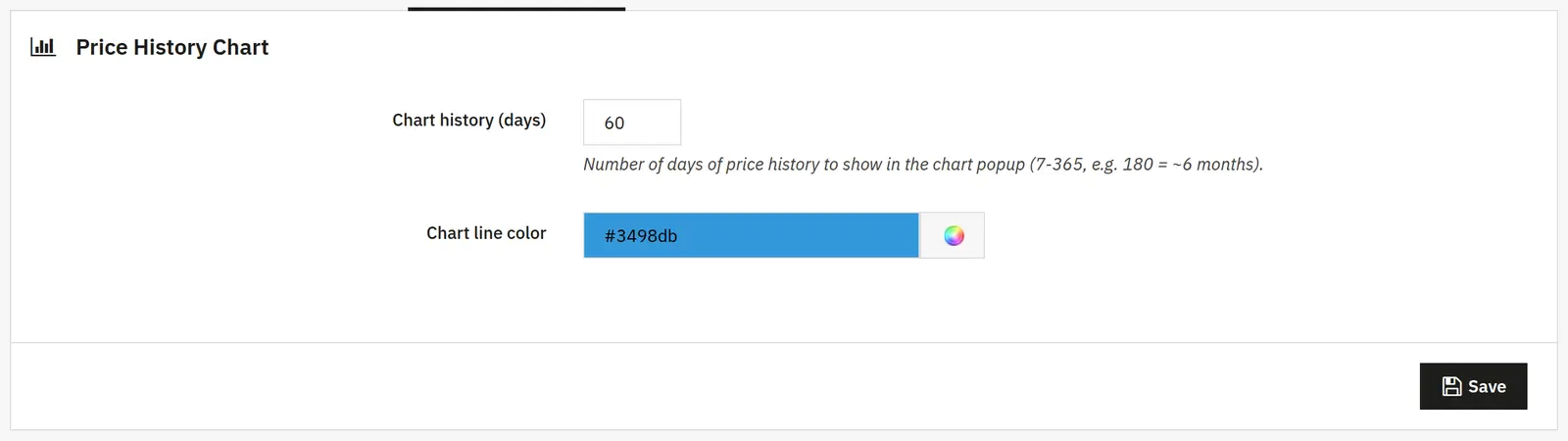
You set the background, text, price and chart line separately. The chart's number of days defines the range shown when it opens, independent of the message appearance itself.