

Fake Credit Card Form Virus in a PrestaShop Store - The Fix
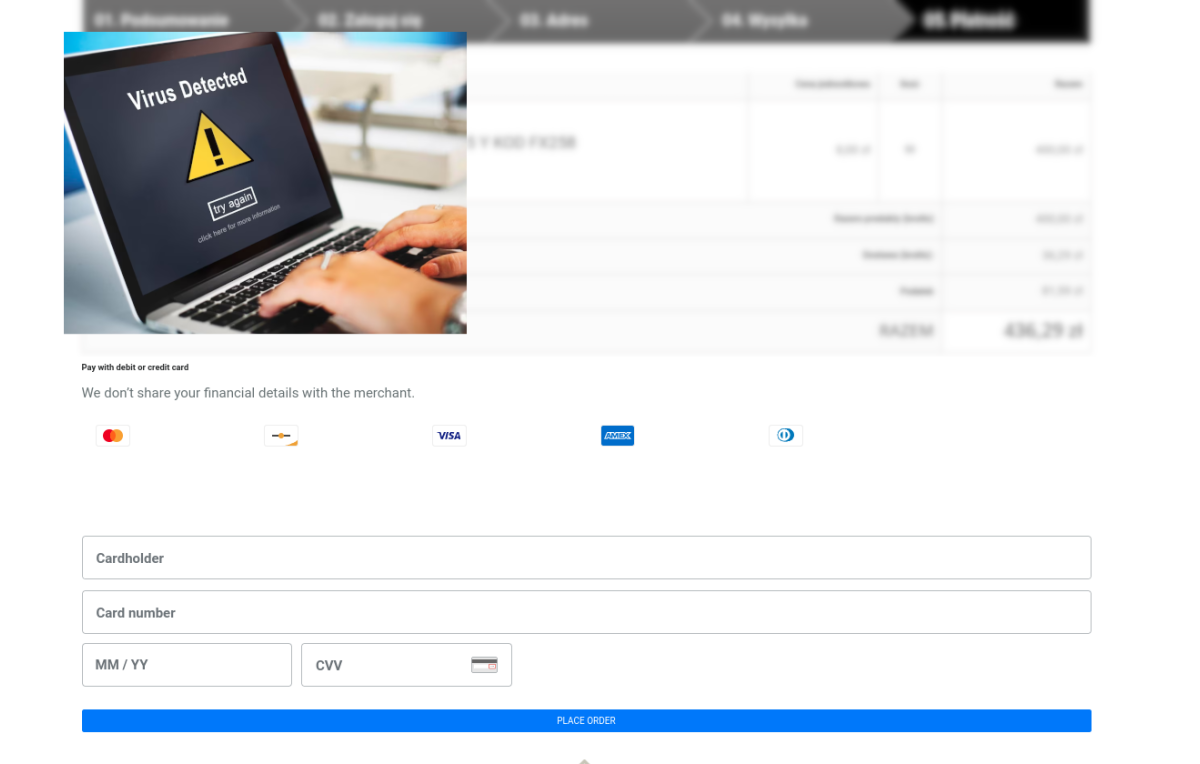
Your site has a virus that adds a fake credit card payment form at the end of the order. It's not the end of the world. Your store can still be rescued. Your site has a virus that adds a fake credit card payment form at the end of the order. It's not the end of the world. Your store can still be rescued.
 2. We download a clean PrestaShop installation matching our version from https://github.com/PrestaShop/PrestaShop/releases
If you have version 1.6.1.12, download exactly that one and unpack it.
3. Connect to your FTP server and replace the files with those from the new installation, overwriting the old ones on your server:
Remember to make a backup of your store before you start any work!
All files in the folders:
2. We download a clean PrestaShop installation matching our version from https://github.com/PrestaShop/PrestaShop/releases
If you have version 1.6.1.12, download exactly that one and unpack it.
3. Connect to your FTP server and replace the files with those from the new installation, overwriting the old ones on your server:
Remember to make a backup of your store before you start any work!
All files in the folders:
If the problem returns and you have no strength left to tilt at windmills, I can clean the virus off your PrestaShop for you for about €92 net. Tel. 728 658 005 or by e-mail: adamj240 at gmail.com
A virus in a PrestaShop store and a fake form
Viruses exist in the IT world and always will. I did not analyze where this virus on my client's store came from, but viruses come from:- A security hole in the software
- Passwords saved in a place that some bot had access to
- A break-in to our Windows system and interception of a password
How to remove the credit card virus step by step
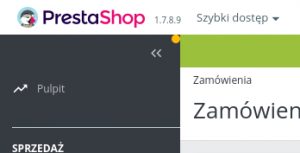
1. We check which PrestaShop version we have. The number is visible in the upper right corner. Here we have 1.7.8.9, the latest one.
2. We download a clean PrestaShop installation matching our version from https://github.com/PrestaShop/PrestaShop/releases
If you have version 1.6.1.12, download exactly that one and unpack it.
3. Connect to your FTP server and replace the files with those from the new installation, overwriting the old ones on your server:
Remember to make a backup of your store before you start any work!
All files in the folders:
- classes/controller
- tools/
- classes/
If the problem returns and you have no strength left to tilt at windmills, I can clean the virus off your PrestaShop for you for about €92 net. Tel. 728 658 005 or by e-mail: adamj240 at gmail.com
Secure your PrestaShop store
Did you manage to get rid of the virus? Now you have to secure your store. The most important things:How to improve PrestaShop security in quick steps
- Change the passwords of all administrators in the store
- Change the database password and update it on your server
- Change all FTP accounts that have access to the store folder
- Change the admin address from sklep.pl/admin123fgh234 to another one, e.g. sklep.pl/26admin66
- Scan your computer
- Try not to use one password for everything.
Get notified about new articles
Subscribe by e-mail or turn on browser notifications — we only send new blog posts, nothing else.




Comments
No comment at this time!
Leave your comment