

Getting started with Prestashop, part 2
This post continues the introduction to Prestashop. To run a business through an online store, it must have a few basic features, which we cover here. This post continues the introduction to Prestashop.
If you want to trade through an online store, it must have a few basic features that make this possible. First of all: easy access to the store for customers. I mean a clear arrangement of the individual elements, a logo identifying the brand and products presented in a readable way. This matters because if your customer lands on your store’s website and does not like it, or does not know how to find their way around, they will go elsewhere and there is little chance they will come back.
Another important thing is the ability to search for items. Both for those looking for a specific item – the general search – and for those who
just want to look around. The latter will be more interested in a ranking of best-selling or highest-rated items. On this basis they can form an opinion and often decide to buy. Especially if the rating ranking offers not only a graded scale but also the option of writing a few words about the item.
Another important element of a store is the ability to manage it easily. When running a store you must be able to freely add products
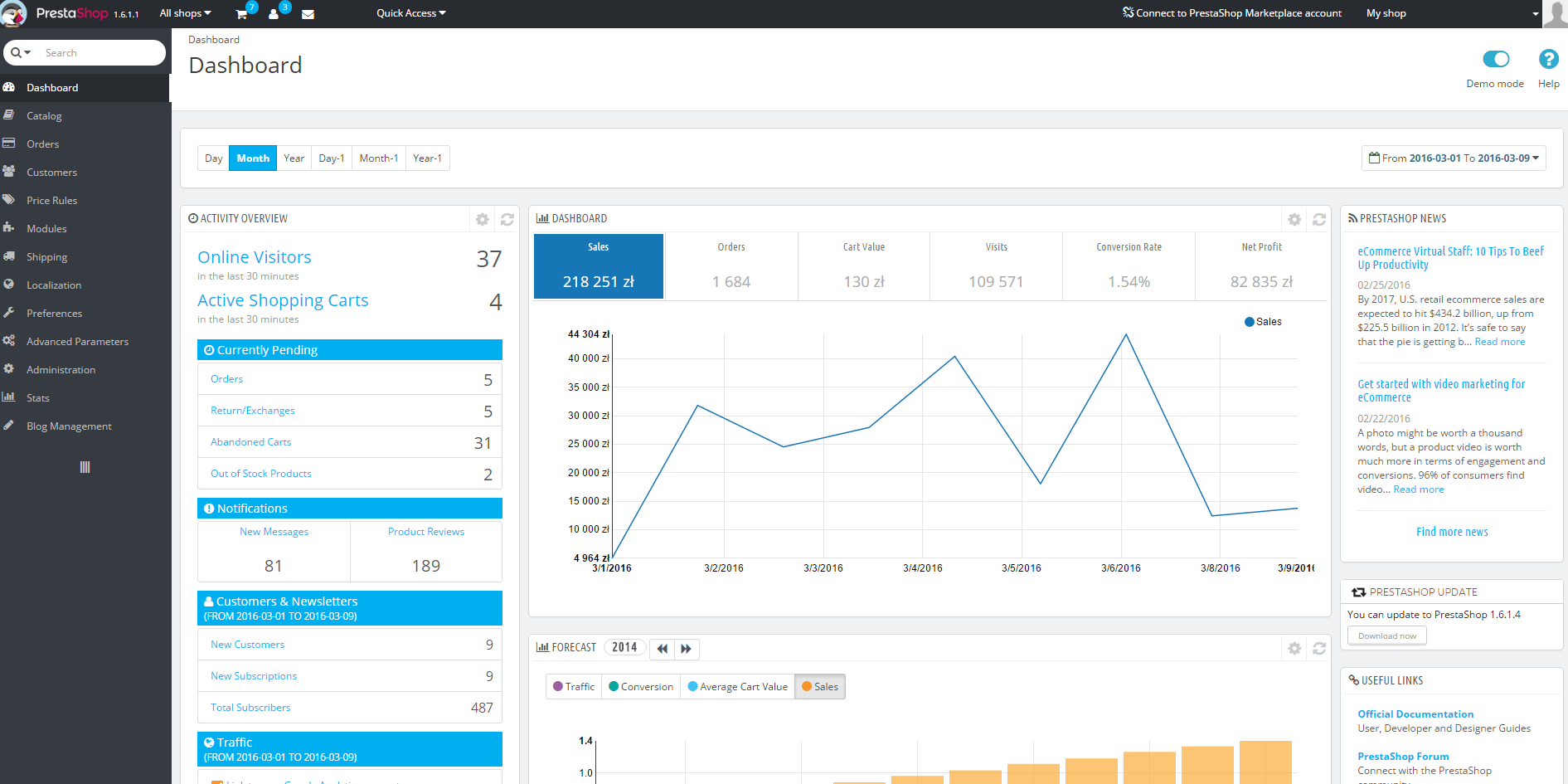
and describe them in detail. You also need functionality for processing orders, such as automatically sending e-mail notifications about the order status to the customer. The store management system should also handle certain organizational tasks without your involvement. Basic ones, such as reducing the stock of a given item after it is purchased, as well as somewhat more complicated ones, such as keeping sales statistics that tell you what sells best and what does not sell at all. On this basis you can adjust your stock levels.
Since this post is devoted to Prestashop, as you have probably guessed, all the features described above, and many more, are already built into this software. The next post will describe more complex features, modifications and an introduction to installing Prestashop.
Get notified about new articles
Subscribe by e-mail or turn on browser notifications — we only send new blog posts, nothing else.




Comments
No comment at this time!
Leave your comment