

Allegro template
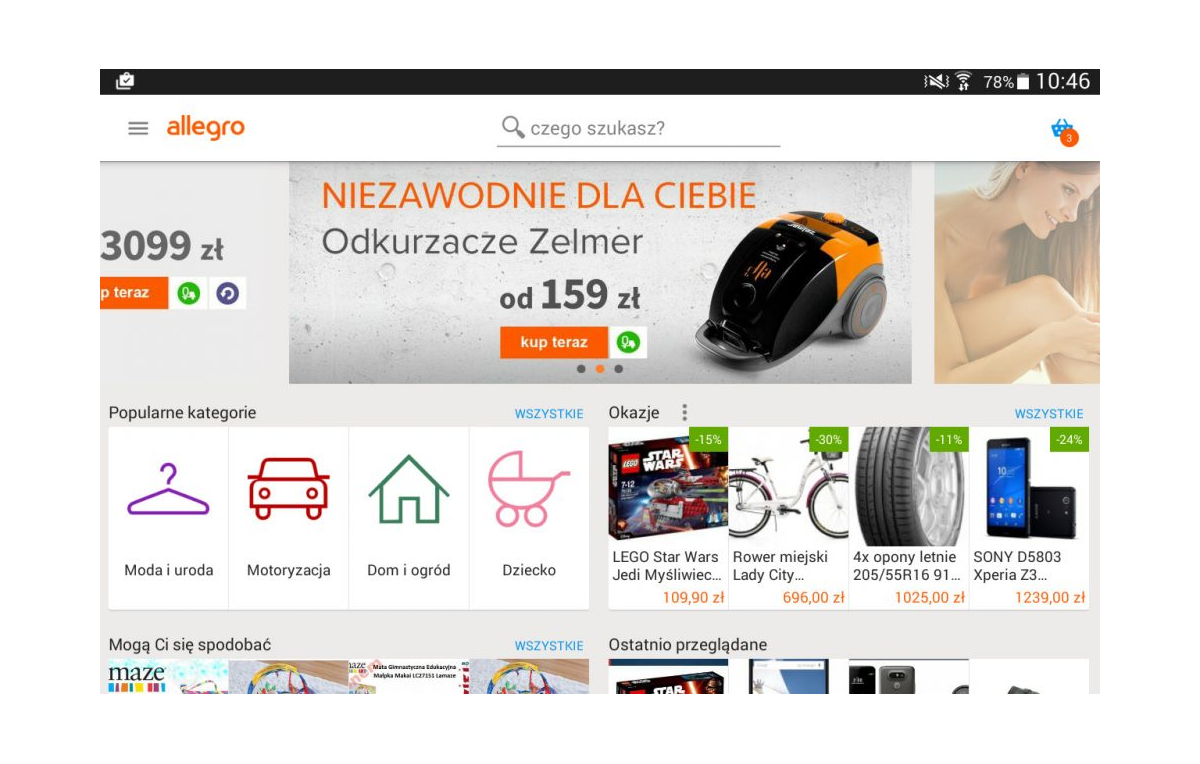
In practice: Allegro template. What attracts customers to particular Allegro auctions? Not only the product sold and its price, but also the description and
In practice: Allegro template
What attracts customers to particular Allegro auctions? Not only the product sold and its price, but also the description and what the auction template looks like. Many people and companies now create templates for Allegro auctions. You can also use ready-made templates, which you then fill in with company details and the product description, and then the template code can be copied into the content field. However, this solution has quite a few drawbacks, one of which can be the need to manage auctions by hand. For this reason, a person who runs their own online store may suffer in particular. To make the look of the store match the look of the auctions, an Allegro template, you will need to use the same template in both places, naturally making some modifications to it.PrestaShop store integrated with Allegro
What does a typical Allegro template look like? It can be divided into several of the most important elements. The upper part is the header, which contains a photo, advertising text, a logo and a navigation menu with links to the about-me page, the comments page, other auctions and so on. It is usually a fixed element that repeats on all auctions within the same Allegro shop. The middle part of the template, on the other hand, can be divided into three columns. The middle, widest one is intended for the description and photos of the product being sold and other information with a more extensive description. The left and right columns, usually narrow, can contain the shop's address details, phone numbers, opening hours, bank transfer details and shipping costs. At first glance you can notice the differences between how a product page looks in a PrestaShop store and on Allegro. The lower part of the Allegro auction template will contain recurring copyright information, and you can also place in it a gallery of thumbnails of the other auctions that the shop has listed.How to list auctions faster?
A PrestaShop store and PrestaShop theme have many hidden advantages that we will gradually discover as we use the software. One of them, which is talked about a great deal, is the full integration of the store with a shop on Allegro. Linking your Allegro account to the store lets you quickly perform operations such as relisting auctions, modifying them, and managing sales made through Allegro. Without additional tools, using only the administration panel that the online store has.Get notified about new articles
Subscribe by e-mail or turn on browser notifications — we only send new blog posts, nothing else.




Comments
No comment at this time!
Leave your comment